
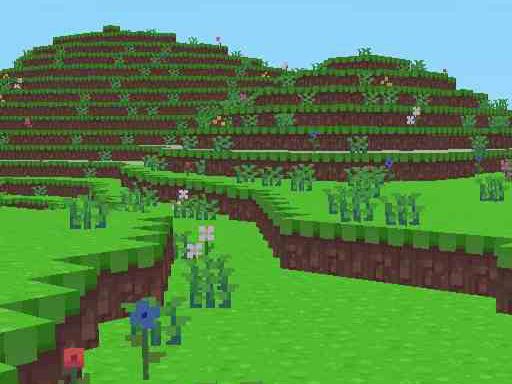
Block Craft


Block Craft
Instructions
Description
Block Craft: Build, Mine, Repeat
Ever wanted a sandbox that feels like Minecraft without the grind? Block Craft drops you into a browser‑based arena where every block waits to be shaped. The moment you log in, the landscape stretches, begging for your next tower, farm, or hidden base. No ads, no paywalls—just pure crafting freedom. If you love constructing massive pixel‑perfect cities, this is the playground you’ve been hunting. The name says it all: Block Craft lets you stack, mine, and design with a speed that keeps the adrenaline high.
Block Craft Controls
Master the basics, then let creativity run wild. The control scheme is stripped down to essentials, so you spend more time building and less time fumbling with menus.
- W A S D – Movement
- Right Click – Build
- Left Click – Break
- e – Inventory
- ESC – Close menus
zistop Strategy Tips
Start with a solid foundation. Lay a grid of stone or wood, then expand outward in layers. Keep an eye on resource flow; mining a vein of ore early gives you the materials to craft rare decorations. Use the inventory wisely—store extra blocks for future upgrades instead of hoarding. When you’ve built a base, add functional rooms like farms or storage halls to keep the game loop rewarding. The more you craft, the more you unlock: new textures, decorative items, and larger plot sizes. A good habit is to set a mini‑goal every session—finish a tower, complete a road, or create a hidden passage. These bite‑sized targets turn endless building into a satisfying progression.
Ready to test your block‑stacking skills? zistop invites you to jump straight into the action. Launch Block Craft, start placing, mining, and crafting, and watch your world grow. No downloads, no waiting—just pure, instant fun. Build today, brag tomorrow. The blocks are waiting; the craft is yours.
