
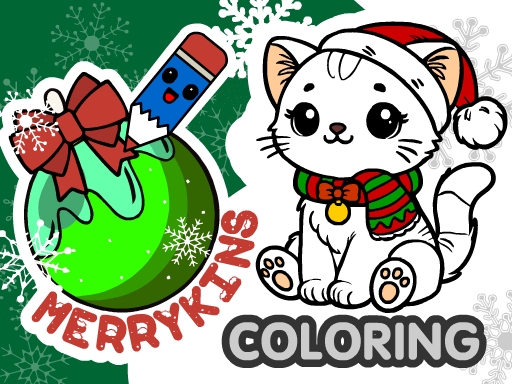
MerryKins Coloring


MerryKins Coloring
Instructions
Description
MerryKins Coloring: Holiday Fun in Your Hands
Grab a brush, pick a hue, and bring festive scenes to life. This cozy winter coloring app lets you splash color on cute cats, jolly Santa, and sparkling Christmas trees. Whether you’re a girl who loves sparkle or a seasoned artist hunting a chill vibe, every picture feels like a personal holiday card. zistop crafted this title to blend simple joy with a dash of education—perfect for kids and adults who crave a creative break.
How the Controls Work
Pick tools, zoom, and save with a few taps or clicks. The interface stays light, so you can focus on the art, not the menu.
- — Use left mouse button or touch to pick tools
- — Zoom with mouse wheel or pinch gesture
- — Tap the question mark for tool tips
- — Save progress with the floppy disk icon
- — Save finished picture to device & share
Tips to Keep Your Coloring Sessions Fresh
Start with the fill tool to block in large areas, then switch to a fine brush for details like whiskers on a cat or the glitter on Santa’s coat. Mix pastel shades for a soft winter glow, or go bold with neon reds for a striking Christmas vibe. Experiment with the random fill mode—let the app surprise you, then fine‑tune the results. For a quick learning boost, try matching colors to the on‑screen palette; it reinforces basic color theory while you draw. Save each masterpiece, then revisit older pages to add new layers. The more you color, the more you’ll notice subtle patterns and improve your drawing confidence.
Ready to turn blank pages into festive art? Jump into MerryKins Coloring now, unleash your inner illustrator, and share the joy with friends. zistop guarantees smooth performance on any device—so you can color anytime, anywhere. Grab your favorite palette and start creating today!
