
Pixel Coloring kids


Pixel Coloring kids
Instructions
Description
Pixel Coloring kids – Fast, Fun, Finger‑Friendly
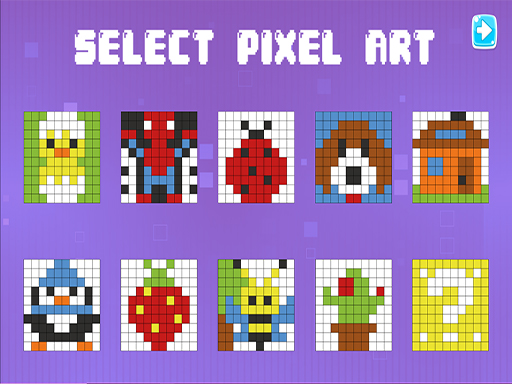
Pixel Coloring kids lets little artists turn simple pixel art into vibrant masterpieces. The game offers a library of ready‑made designs, each built from bold squares that snap into place. Kids can pick any picture, splash color, and watch their creation come alive. The experience is clean, mess‑free, and perfect for screens of any size. Parents love the educational twist: it sharpens fine‑motor skills while teaching basic color theory. With instant results, the satisfaction is immediate. That’s why this title stands out in the crowded kid‑game market.
Mechanics
The control scheme is built for tiny hands. Tap a pixel, choose a hue, and fill it with a single swipe. The interface is uncluttered, so children focus on the art, not the menu. No complicated shortcuts. Just pure, intuitive play.
- Use mouse ou touch to interact
Strategy
Success isn’t about speed; it’s about planning. Start with the simplest designs to get comfortable with the palette. Notice how adjacent pixels share borders—filling large areas first saves time. Mix primary colors to discover secondary shades; this encourages experimentation. Challenge yourself by completing a picture without lifting the finger. Unlock new palettes as you finish sets, and watch the library expand with fresh themes. The game rewards consistency: each completed artwork adds a star, and a collection of stars opens bonus levels. Keep the momentum by setting short goals—five pictures a day, for example. The habit builds confidence and reinforces the Kid learning loop.
Ready to color, create, and explore? Jump into Pixel Coloring kids now and see why families trust zistop for safe, engaging play. The canvas awaits—pick a hue and start painting today.
