
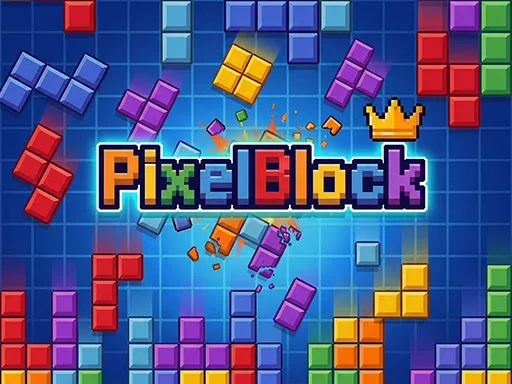
PixelBlock


PixelBlock
Instructions
Description
PixelBlock: The Addictive Puzzle Block Game
You're about to experience the thrill of block puzzle games like never before. PixelBlock combines classic puzzle mechanics with explosive visuals, making every move a satisfying display of block-smashing action. You'll love the simple yet addictive gameplay that challenges you to clear lines and earn points.
PixelBlock Mechanics
Controlling the blocks is easy: use your mouse to drag and place them strategically. The goal is to create solid lines without gaps, which will then explode in a burst of color and sound. Here's how you can manipulate the blocks:
- Mouse Drag: Click and hold on a block to drag it to your desired position.
- Place: Release the mouse button to place the block in the grid.
PixelBlock Strategy
As you progress through the levels, you'll need to think strategically about block placement to maximize your score. Try to create multiple lines at once for bonus points, and use the limited space wisely to set up future moves. With each level, the challenge increases, but so do the rewards. You can check out more games like PixelBlock on zistop to find your next addiction.
Now that you know the basics, it's time to start playing PixelBlock. With its simple yet engaging gameplay and stunning visuals, you'll be hooked from the first level. So, what are you waiting for? Start smashing those blocks and see how high you can score in PixelBlock, the latest puzzle block game from zistop that will keep you entertained for hours.